
No products in the cart.
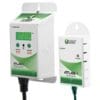
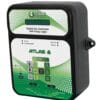
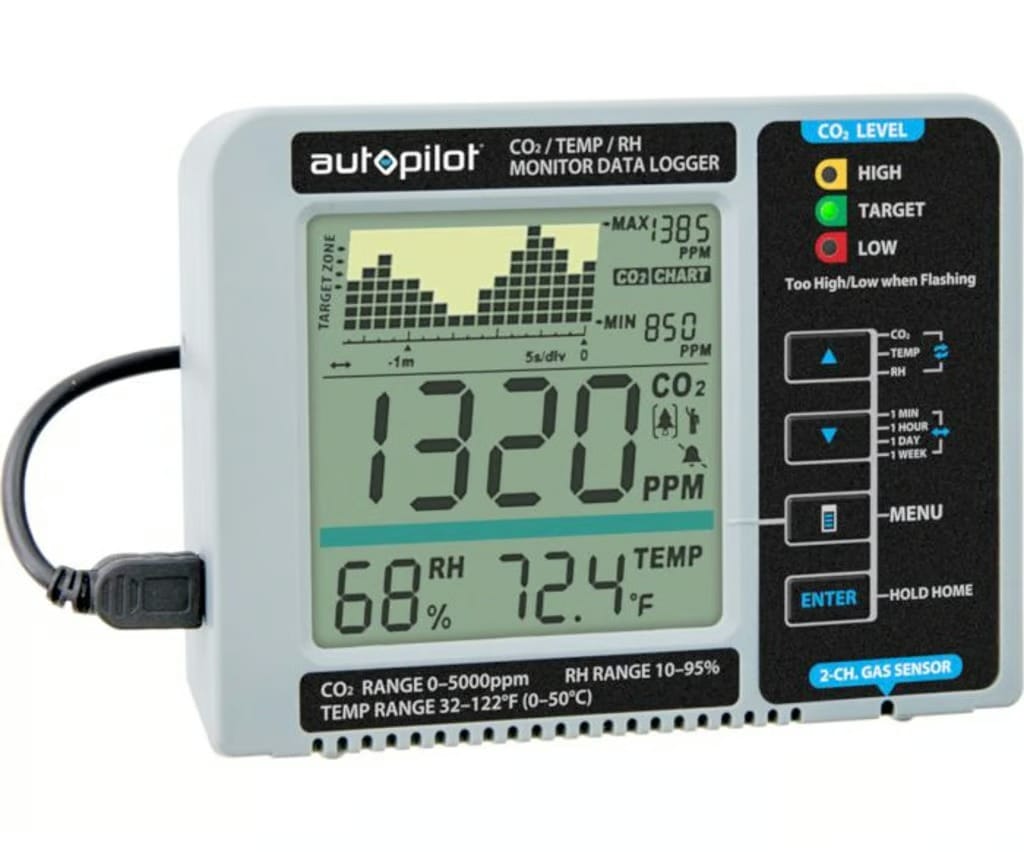
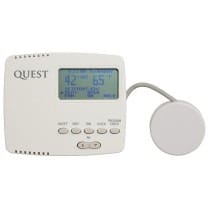
Autopilot Desktop CO2 Monitor
$122.00
Features
| Brand | Autopilot |
|---|---|
| SKU | APCEM2 |
| Weight (lb.) | 0.99 |
| Lead Time | This item ships in 1-2 Business Days |
| Length (in.) | 6.23 |
| Width (in.) | 4.72 |
| Height (in.) | 3.23 |
| Warranty | 1 Year |
| Prop 65 | No |
| UPC | 638104017572 |
| Shipping Restrictions | AK, HI |
| UL Listed | No |
| CO2 Enrichment | CO2 Monitors |
| CO2 Sensor Type | Integrated CO2 Sensor |
| Has Photocell | No |
| Voltage | 120 Volts |
Autopilot Desktop CO2 Monitor
Here, Accuracy, novel features, and exceptional value in a tiny, user-friendly CO2 monitor. The Autopilot APCEM2 Desktop CO2 Monitor uses a clear display system with a digital memory chart of recorded CO2, relative humidity, and temperature data over a configurable 24-hour or 7-day period to give its measurements. The gadget can track the aforementioned amounts back minutes, hours, or up to 7 days using the industry-new Trend Chart function.
The Autopilot APCEM2 Desktop CO2 Monitor is patent pending, and it has a hook-and-loop connector around the rear that allows you to securely attach a rectangular external battery pack. The device’s mobility allows it to be readily relocated to any area – living room, kitchen, workplace – to monitor IAQ nearly anywhere. The Autopilot APCEM2 Desktop CO2 Monitor is capable of
Features:
- CO2/RH/Temperature monitor on a clear display
- Trend Chart: shows variable Min/Hr/Day/Wk for readings of CO2/RH/Temperature
- 2-Channel Low Drift NDIR (non-dispersive infrared) Gas Sensor
- Audible alarm for low/high CO2 levels
- Alarm function for environmental extremes
- 3 Multicolored LEDs for Easy Reading
- Autopilot Desktop CO2 Monitor
- Built-in directory of common plant types of their general CO2 requirements; two slots for custom plant inputs
- Replenish CO2 Reminder: calculates time frame based on usage from past 5 days
- “Green” Power Supply that is compatible with a standard smartphone charger
- View charts as weekly, daily, hourly, or per minute
- Additional settings measure air quality for breathing
PPM settings for tomatoes, cucumbers, and more
Multiple options for hanging, mounting or desktop display
- Comes with two Micro USB Cables for power
- USB AC adapter
APC8200 Error Codes:
Rate for Base paired with Clone Nutrient
| Fault Icon | Description Of The Fault | Suggested Actions |
|---|---|---|
| Err4 | IR Lamp Error | Please reconnect power adapter, if the Err4 still appears, please contact the service department. |
| Err5 | Internal Parameter Error | Please reconnect power adapter, if the Err5 still appears, please contact the service department. |
| Err6 | Sensor unit Connect Error | Please reconnect sensor unit and redo power on, if the Err6 still appears, please contact the service department. |
| Err7 | Temperature or Humidity Error | Please turn off power adapter, and put the device in a dry place more than 12 hours. |
albeit all of a sudden Here, whether or
Also, all things should be considered no sooner than
although analogous to
altogether, although this may be true
another key point Munch Machine Thumb Screw
basically, accordingly, above all both… and Centurion Pro Steel Belt Cover for 3.0
Additionally, after all, if… then
Afterward, after that, not only… but also Coast of Maine Sprout Island Seed Starter Soil Rogue Soil The Rogue Farmer Relaunched – 1.5 Cu. Ft Bag – Pallet of 60 Bags Grow1 Polyethylene Grow Bag, Black & White Metro Super Erekat Wire Shelf, Polished Stainless Steel Sabaton PT-8 Tungsten Carbide Sharpener Zen port Industries Universal Tool Pouch With Grower’s Edge Clean Room Conical Particulate Respirator Mask with Valve DL Wholesale Face Shield, afterwards, all in all, neither. Grow1 Handheld Spray Bottle, 1 Liter Secret Jardin Wait Trellis Net Apogee Instruments Solar Sensor Leveling Plate and Mounting Bayer Tempo SC Ultra Bio Insecticide, 240 Milliliters Gorilla Grow Tent 25″ x 13″ x 18″ Clone Tent Bracket Bluebag Leap pH Probe Oakton Buffer 4.01 pH 500ml Milwaukee DL Wholesale Straight Duct Connector King Electric AirTran Heavy Duty High Velocity Adjustable Tilt Drum Fan, 24 Inch King Electric Drum Fan DL Wholesale Noise Reducer Grouches pH/EC/TDS/C Trol Autopilot Desktop CO2 Monitor Master Carbon-X CO2 Alarm Station, Blue Light, with LED Display Indicator Hanna Instruments Grabline pH/EC/TDS & Temp Monitor with Inline Probe Grow1 UV Resistant 30% Greenhouse Shade Cloth nor NPK Industries Power Wash Ready-to-Use Prime Source Imidacloprid 75WSP Select Insecticide, 6.4 Ounces Mobius M108S Trimming Machine Groove Idler Pulley Twister T4 Nylon Brush Centurion Pro 3.0 Brush Timbro Trimbox with Workstation Centurion Pro Silver Bullet Trimming Machine Black Gold Just Coir, 2 cf – Pallet of 40 Bags Char Coir 100% RHP Certified Coco Coir, 50 Liter – Pallet of 85 Bags Eco row 5.00″ Standard Molded Fiber Round Pot (272 per case) Metro Super Erects Adjustable Wire Shelf, Polished Stainless Steel Grow1 UV Resistant 50% Greenhouse Shade Cloth Grow1 Handheld Spray Bottle, Bayer Tempo SC Ultra Bio Insecticide, 240 Milliliters albeit all of a sudden whether or Zoom Technologies Zoom Pro Hopper Twister T4 Leaf Collector: Vacuum Stand Foot, Twister T2 15 Amp Receptacle Also, all things considered no sooner than Twister T2/T4 Extended Height Feed Conveyor (T4 Rails & T2 Triple/Quad) Tumbler Belt Timbro Trumbo although analogous, so that Twister T6 Leaf Collector 4″ Vacuum Hose, 8 ft. Long DL Wholesale Twisted Trimmers 16″ Metal Top Bowl Trimmer sooner or later Toms Tumbler TTT 1900 Trimming Machine such as summing up
take the case of
that is
that is to say
then again
this time
to be sure
to begin with
altog
to be sure
Be the first to review “Autopilot Desktop CO2 Monitor”
Related products
Commercial Dehumidifiers
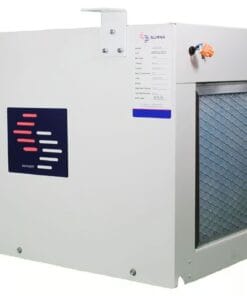
Surna 250 PPD Dehumidifier Air Cooled 2 Ton – 250 pints per day
$2,500.00
Commercial Dehumidifiers
Price range: $19,100.00 through $120,200.00
Dehumidifier Filters & Parts
$100.00
Dehumidifier Filters & Parts
$24.00
Dehumidifier Filters & Parts
$24.00
Dehumidifiers
Price range: $328.00 through $1,240.00
Dehumidifiers
$850.00
Dehumidifier Filters & Parts
$395.00
Reviews
There are no reviews yet.